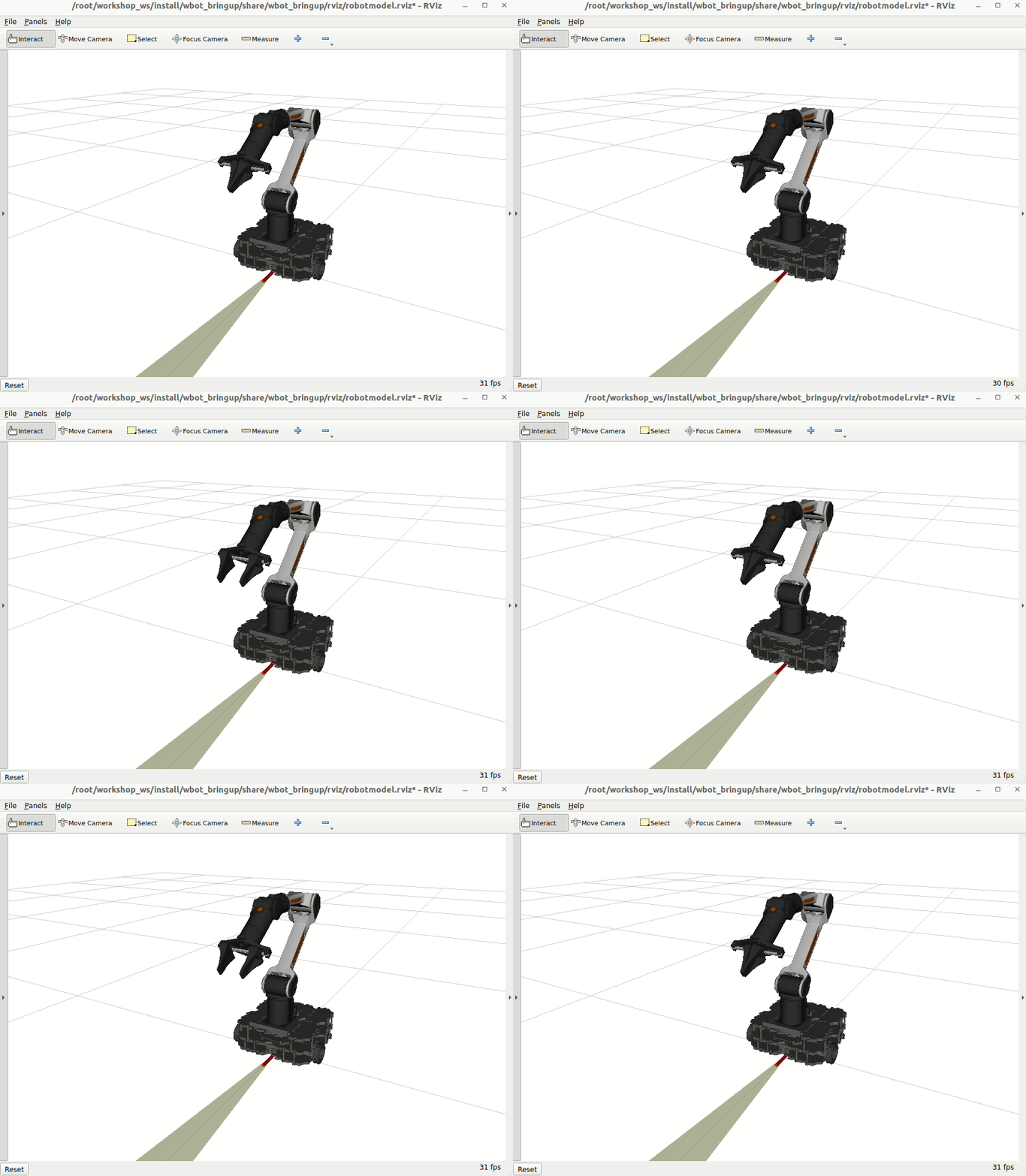
WBot Mobile Manipulator Example
Bring up and control the WBot differential-drive base and 6-DoF arm with ros2_control. This example covers setup, launch, teleop, controller introspection, and mixing real base hardware with a mock arm.
0. Setup (one time)
sudo apt install git-lfs
git lfs install

mkdir -p ~/colcon_control_ws/src
cd ~/colcon_control_ws/src
git clone https://github.com/ROSI-IPA/wbot.git
git clone https://github.com/MarqRazz/piper_ros2.git
cd ..
rosdep install --from-paths src -iry
colcon build --symlink-install
source install/setup.bash
1. Launch the robot
ros2 launch wbot_bringup wbot.launch.xml
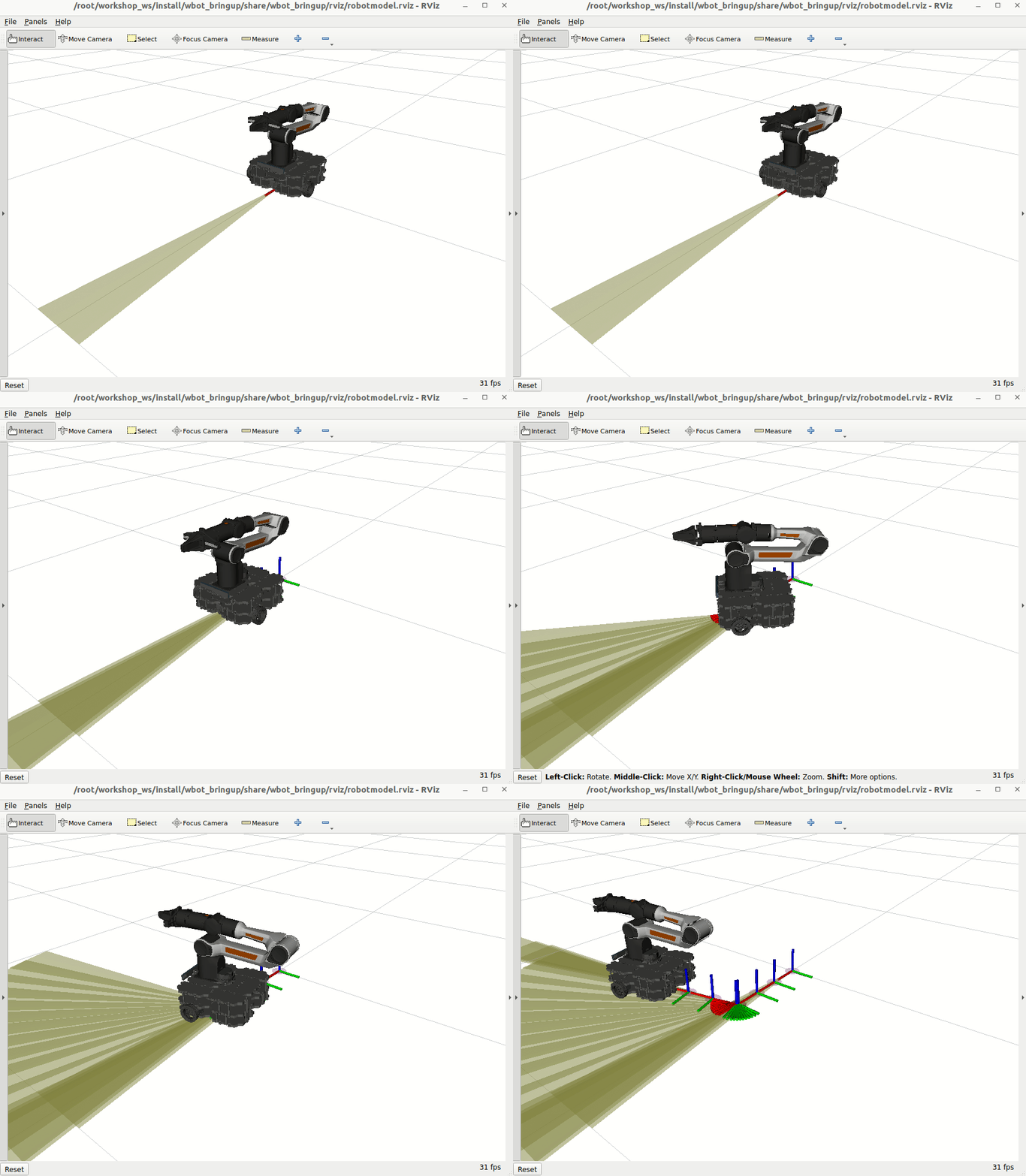
This starts the base, arm, controllers, and RViz. In another terminal, open rqt_graph if you want to inspect nodes.
2. Teleop the base
ros2 run teleop_twist_keyboard teleop_twist_keyboard --ros-args -p stamped:=true
Drive around and watch RViz to see odometry and the footprint moving.
3. Inspect ros2_control state
While the launch is running, query the control stack:
ros2 control list_controllers
ros2 control list_controller_types
ros2 control list_hardware_components -v
ros2 control list_hardware_interfaces
list_controllersshows active controllers.list_controller_typesshows available controller plugins.list_hardware_componentsshows hardware components and their interfaces.list_hardware_interfacesshows all registered interfaces.
For full controller manager introspection:
ros2 topic echo /controller_manager/introspection_data/full
4. Visualize introspection values in PlotJuggler
With the integration of the pal_statistics package, the controller_manager node publishes the registered variables within the same process to the ~/introspection_data topics. By default, all State and Command interfaces in the controller_manager are registered when they are added, and are unregistered when they are removed from the ResourceManager. The state of the all the registered entities are published at the end of every update cycle of the controller_manager. For instance, In a complete synchronous ros2_control setup (with synchronous controllers and hardware components), this data in the Command interface is the command used by the hardware components to command the hardware.
What gets published (message types):
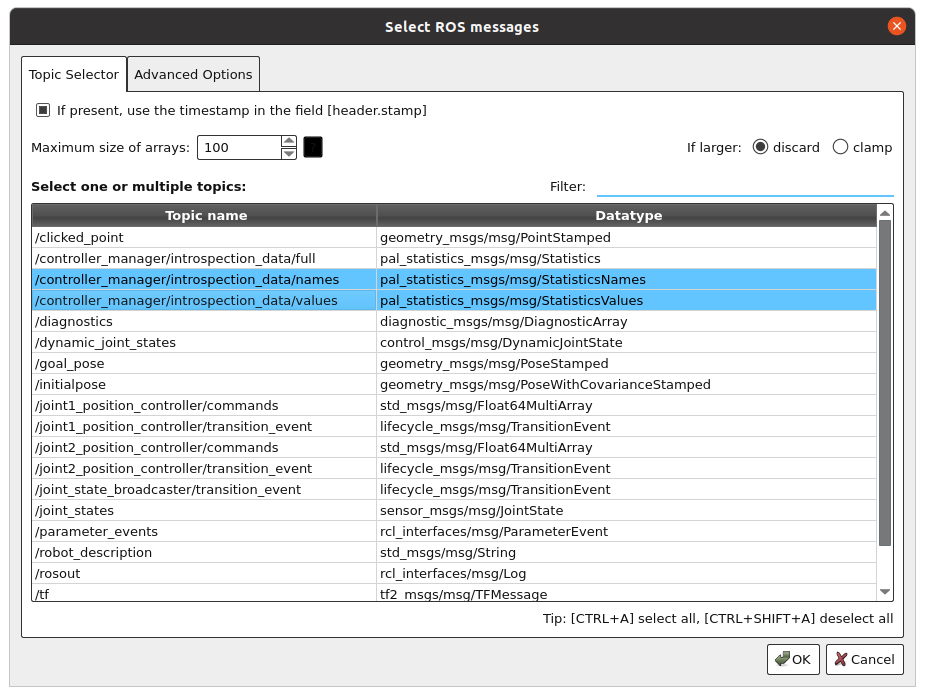
/controller_manager/introspection_data/full(pal_statistics_msgs/msg/StatisticsValues): publishes the full introspection data, so names and values travel together for quick CLI inspection./controller_manager/introspection_data/names(pal_statistics_msgs/msg/StatisticsNames): publishes the names of the registered variables whenever interfaces are registered or removed./controller_manager/introspection_data/values(pal_statistics_msgs/msg/StatisticsValues): publishes only the changing values every update cycle when a subscriber is present (ideal for PlotJuggler).
All the registered variables are still published over the 3 topics: ~/introspection_data/full, ~/introspection_data/names, and ~/introspection_data/values. The topics ~/introspection_data/full and ~/introspection_data/values are always published on every update cycle asynchronously, provided that there is at least one subscriber to these topics.
To visualize the data in PlotJuggler, install the plotjuggler-ros package and run PlotJuggler:
sudo apt install ros-jazzy-plotjuggler-ros
ros2 run plotjuggler plotjuggler
5. ros2_control configuration reference
Hardware macro snippet (from wbot/wbot_description/urdf/wbot.ros2_control.xacro):
<xacro:macro name="wbot_ros2_control" params="
  name
  mock_hardware:=false
  enable_command_limiting:=false
  joint_command_topic:=/joint_command_topic
  joint_states_topic:=/joint_states_topic">

  <ros2_control name="${name}" type="system">
    <hardware>
      <xacro:if value="${mock_hardware}">
        <plugin>mock_components/GenericSystem</plugin>
        <param name="fake_sensor_commands">false</param>
        <param name="state_following_offset">0.0</param>
        <param name="calculate_dynamics">true</param>
      </xacro:if>
    </hardware>
    <joint name="wbot_wheel_left_joint">
      <command_interface name="velocity">
        <param name="min">-16.00</param>
        <param name="max">16.00</param>
      </command_interface>
      <state_interface name="position"/>
      <state_interface name="velocity"/>
    </joint>
    <joint name="wbot_wheel_right_joint">
      <command_interface name="velocity">
        <param name="min">-16.00</param>
        <param name="max">13.0</param>
      </command_interface>
      <state_interface name="position"/>
      <state_interface name="velocity"/>
    </joint>
  </ros2_control>
</xacro:macro>
Controller YAML (base, arm, gripper) snippet (from wbot/wbot_bringup/config/wbot_manipulator_controllers.yaml):
controller_manager:
  ros__parameters:
    update_rate: 100  # Hz
    joint_state_broadcaster:
      type: joint_state_broadcaster/JointStateBroadcaster
    diff_drive_base_controller:
      type: diff_drive_controller/DiffDriveController
    joint_trajectory_controller:
      type: joint_trajectory_controller/JointTrajectoryController
    gripper_controller:
      type: parallel_gripper_action_controller/GripperActionController

diff_drive_base_controller:
  ros__parameters:
    left_wheel_names: ["wbot_wheel_left_joint"]
    right_wheel_names: ["wbot_wheel_right_joint"]
    wheel_separation: 0.287
    wheel_radius: 0.033
    wheel_separation_multiplier: 1.0
    left_wheel_radius_multiplier: 1.0
    right_wheel_radius_multiplier: 1.0
    publish_rate: 50.0
    odom_frame_id: odom
    base_frame_id: wbot_base_footprint
    pose_covariance_diagonal: [0.001, 0.001, 0.0, 0.0, 0.0, 0.01]
    twist_covariance_diagonal: [0.001, 0.0, 0.0, 0.0, 0.0, 0.01]
    ...

joint_trajectory_controller:
  ros__parameters:
    joints:
      - wbot_arm_joint_1
      - wbot_arm_joint_2
      - wbot_arm_joint_3
      - wbot_arm_joint_4
      - wbot_arm_joint_5
      - wbot_arm_joint_6
    command_interfaces:
      - position
    state_interfaces:
      - position
      - velocity
    state_publish_rate: 0.0
    action_monitor_rate: 20.0
    ...

gripper_controller:
  ros__parameters:
    action_monitor_rate: 20.0
    allow_stalling: false
    goal_tolerance: 0.01
    joint: wbot_arm_gripper_joint
    stall_timeout: 1.0
    stall_velocity_threshold: 0.002
6. Mobile manipulator with mixed hardware
If you have the base hardware but no arm, run the arm with mock hardware:
ros2 launch wbot_bringup wbot_manipulator.launch.xml mock_hardware:=true
List hardware components:
ros2 control list_hardware_components
Example output:
Hardware Component 1
        name: wbot_arm_piper_control
        type: system
        plugin name: mock_components/GenericSystem
        state: id=3 label=active
        read/write rate: 100 Hz
        is_async: False
        command interfaces
                wbot_arm_joint_5/position [available] [claimed]
                wbot_arm_joint_6/position [available] [claimed]
                wbot_arm_joint_4/position [available] [claimed]
                wbot_arm_gripper_joint/position [available] [claimed]
                wbot_arm_joint_3/position [available] [claimed]
                wbot_arm_joint_2/position [available] [claimed]
                wbot_arm_joint_1/position [available] [claimed]
Hardware Component 2
        name: wbot_base_control
        type: system
        plugin name: mock_components/GenericSystem
        state: id=3 label=active
        read/write rate: 100 Hz
        is_async: False
        command interfaces
                wbot_wheel_right_joint/velocity [available] [claimed]
                wbot_wheel_left_joint/velocity [available] [claimed]
7. Move the robot
Base (DiffDriveController)
ros2 run teleop_twist_keyboard teleop_twist_keyboard --ros-args -p stamped:=true
The diff-drive controller computes wheel velocities and sends them to the embedded board while streaming state back.
Arm (JointTrajectoryController)
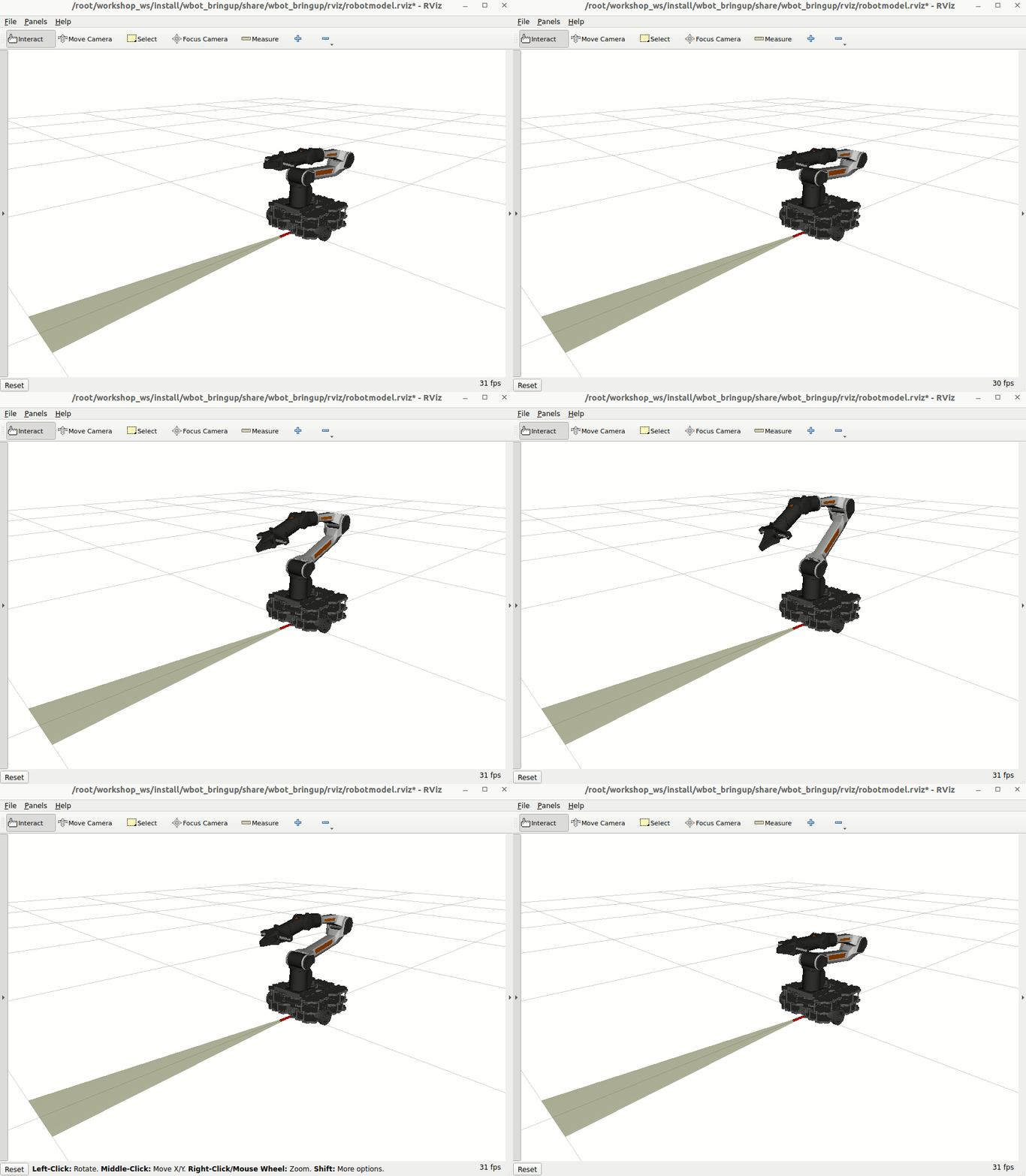
The joint trajectory controller supports both an action and a topic:
ros2 action info /joint_trajectory_controller/follow_joint_trajectory
ros2 topic info -v /joint_trajectory_controller/joint_trajectory
Send a pose:
ros2 topic pub /joint_trajectory_controller/joint_trajectory trajectory_msgs/JointTrajectory "{
  joint_names: [wbot_arm_joint_1, wbot_arm_joint_2, wbot_arm_joint_3, wbot_arm_joint_4, wbot_arm_joint_5, wbot_arm_joint_6],
  points: [
    { positions: [0.0, 0.85, -0.75, 0.0, 0.5, 0.0], time_from_start: { sec: 2 } }
  ]
}" -1
Return home:
ros2 topic pub /joint_trajectory_controller/joint_trajectory trajectory_msgs/JointTrajectory "{
  joint_names: [wbot_arm_joint_1, wbot_arm_joint_2, wbot_arm_joint_3, wbot_arm_joint_4, wbot_arm_joint_5, wbot_arm_joint_6],
  points: [
    { positions: [0.0, 0.0, 0.0, 0.0, 0.0, 0.0], time_from_start: { sec: 1 } }
  ]
}" -1
Gripper (GripperActionController)
# open
ros2 action send_goal /gripper_controller/gripper_cmd control_msgs/action/ParallelGripperCommand "{command: {name: [wbot_arm_gripper_joint], position: [0.03]}}"
#close
ros2 action send_goal /gripper_controller/gripper_cmd control_msgs/action/ParallelGripperCommand "{command: {name: [wbot_arm_gripper_joint], position: [0.0]}}"